To create a new revision of an object that is on more than one Server:
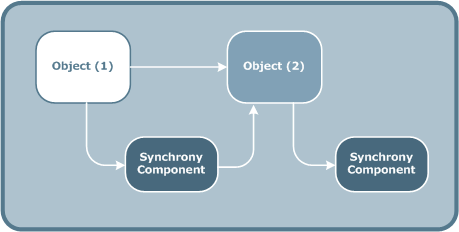
Step 1: Create a new revision of an object to two Servers
Object[1] is on two Axway Servers. When you create a new revision of object [1], the new revision is created with the incremented revision tag [2]. Object[2] has the status Checked.
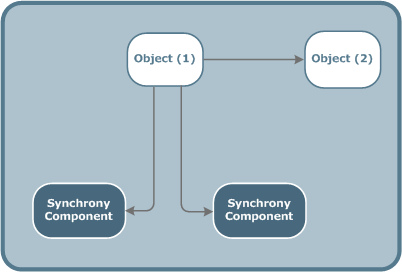
Step 2: Send the new revision to one Server only
If you send the object[2] to one Server only, object[1] is still Committed on one Axway Server. Object[2] replaces object[1] on the second Axway Server and is Committed.
Both object revisions are now Committed on different Axway Servers.
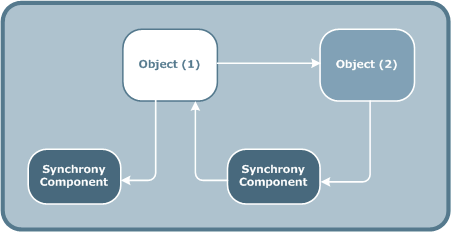
Step 3: Send the new revision to both Servers
If you send the new revision, object[2], to both Axway Servers, object[1] is replaced on both Servers and is no longer in the run-time environment.
The status of object[1] is set to Archived.
The status of object[2] is set to Committed.
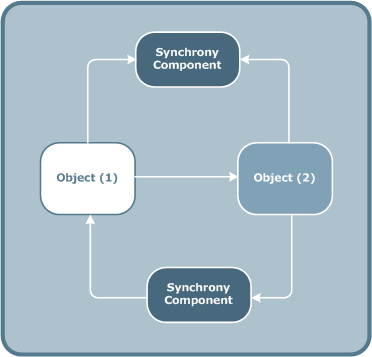
Step 4: Send object [1] back to one of the Servers
If you then send the archived object, object[1], back to one Axway Server only, its status is set to Committed. Object[2] is still present on the other Server and its status remains Committed.